How to create a website using WordPress/How to use plugins/No-code construction blog



7 Tools That Let AI Build Web Apps with Just Prompts
We are creating a matching website using WordPress!
Is it possible to create a matching site using AI with just prompts? I would like to find out and test it out!
First, ChatGPT
[Please tell me a tool that will create a matching site using AI with just a few prompts]
We asked them this question and asked them to pick out their recommended tools!
Bolt.new
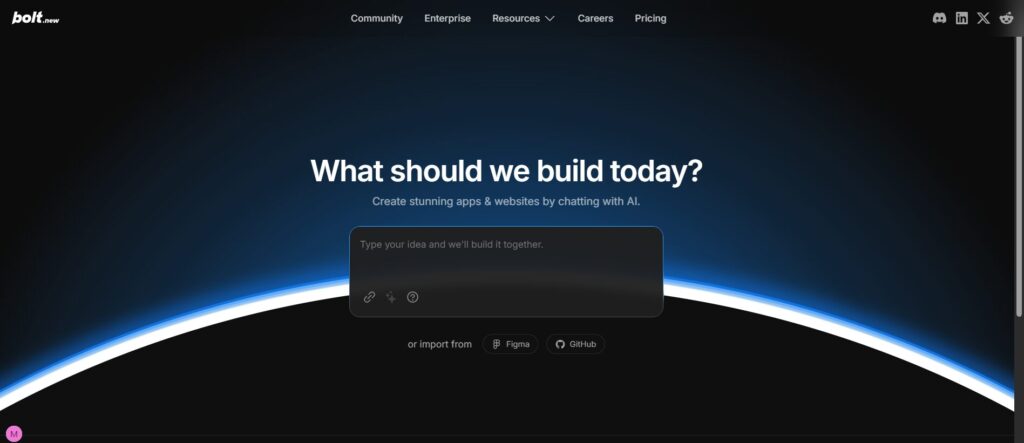
Features of Bolt.new
- Generate the basic structure of your app from natural language prompts. Quickly create a template.
- It is suitable for first creating the basic screen structure of a dating app (login, profile, list/search). MVP (minimal viable product) can be built quickly.
- If you add advanced customization or unique matching algorithms, prompts alone may have their limits.
- Scalability and performance also need to be verified.
Bolt.new Production Publish Flow
- Start with "New Project"
- Enter the prompt (e.g., "I want to create a dating app")
- AI automatically generates screen configuration and code
- Edit on screen (adjust text, colors, and functions)
- "Deploy" button → Deploy with Vercel → Publishing completed
Lovable AI
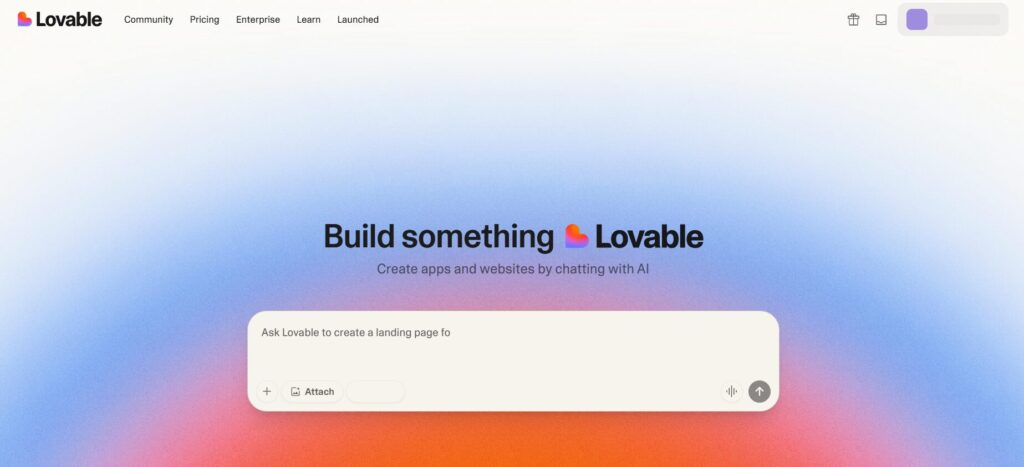
Features of Lovavle
- Prompt/chat based app creation and iteration, similar to Bolt.
- Highly convenient, suitable for small-scale matching apps, prototypes, and idea verification. Strengths include quick UX and appearance adjustments.
- Generally, general-purpose functions are the focus. Complex functions such as real-time messaging and payments may not be included as standard. Additional research is always required.
Lovavle live release flow
It's already connected to the database, so you'll have a working app!
- Create a project using "Create with AI"
- Specify app specifications via chat
- Automatically generate UI and DB structure
- Adjust with the visual editor
- "Publish" → Publish on Vercel (free quota available)
Base44
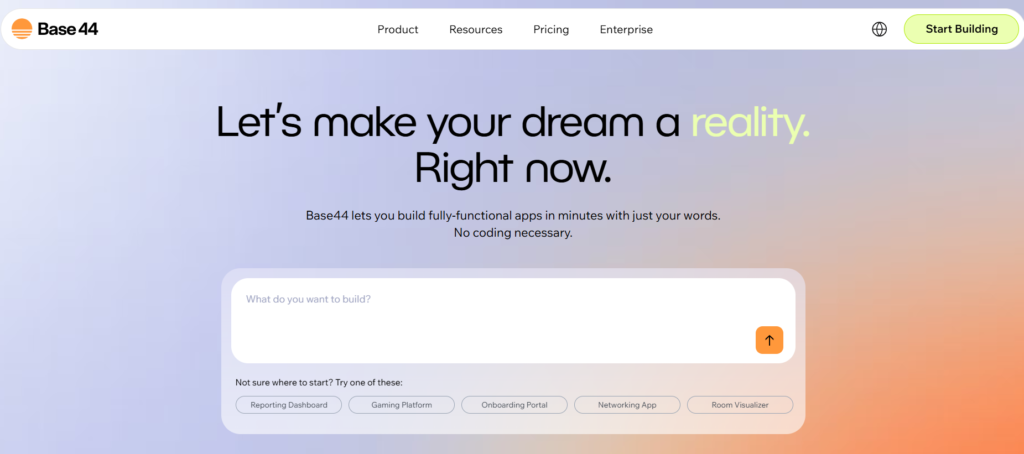
Base44 Features
- Generate a complete app in minutes with a natural language chat interface, no code required
- Ideal for quickly establishing the basic structure. Suitable for prototyping and idea verification phases of dating apps.
- There may be limitations if you need deep logic (matching weights, location information, real-time exchanges, etc.). Fine-grained UI control may also be limited.
Base44 publication flow
- Select "Create App"
- Input specifications to AI (chat)
- Preview the auto-generated app
- After editing, click "Deploy" → Automatically deploy to your own URL
AppyPie
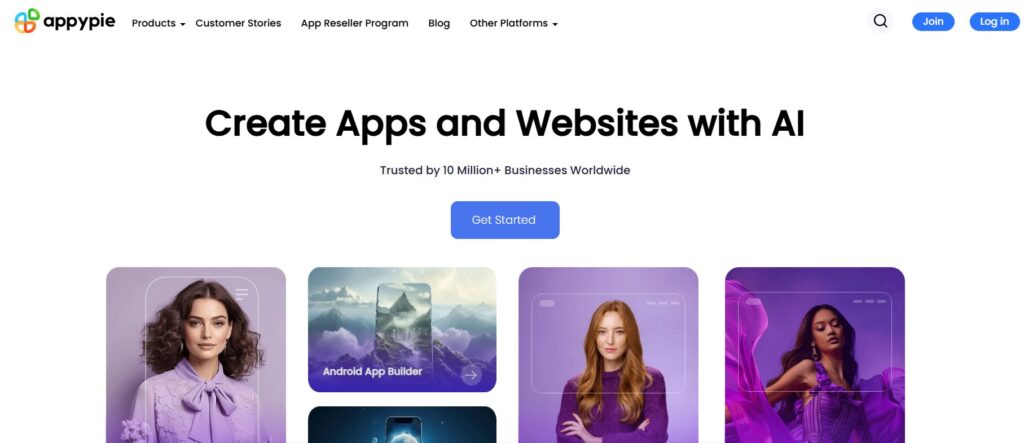
Base44 Features
- There are functions such as "Text to App" that allow you to generate apps using text or voice instructions.
- It's compatible with both mobile and web, allowing users to easily start a dating app. It may also support payment gateways and notification features.
- Design and UX are heavily dependent on templates. It's difficult to implement advanced customizations or unique algorithms. Be sure to check performance and scalability.
Base44 publication flow
- Select "AI App Generator"
- Enter the app details in text → Automatic generation
- Edit the generated screen with the builder
- "Publish" → Publish as PWA or apply to the store
Glide
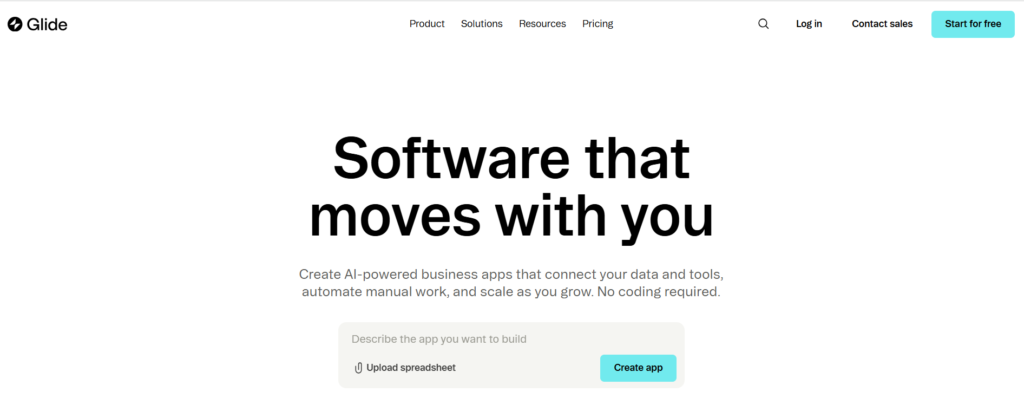
Features of Glid
- Easily build apps without coding, with AI assistance and auto-layout.
- It is perfectly usable for data-driven, light matching functions (list and filter searches). It is also advantageous when you want to reuse existing data such as spreadsheets.
- Dynamic features that require communication between users, such as messaging and real-time notifications, are limited. This can also limit design freedom.
Flow of Glid release
- Connect to Google Sheets or Excel
- AI automatically generates UI based on data
- Adjust the screen and logic with the builder
- "Publish" → Get the public link
Softr
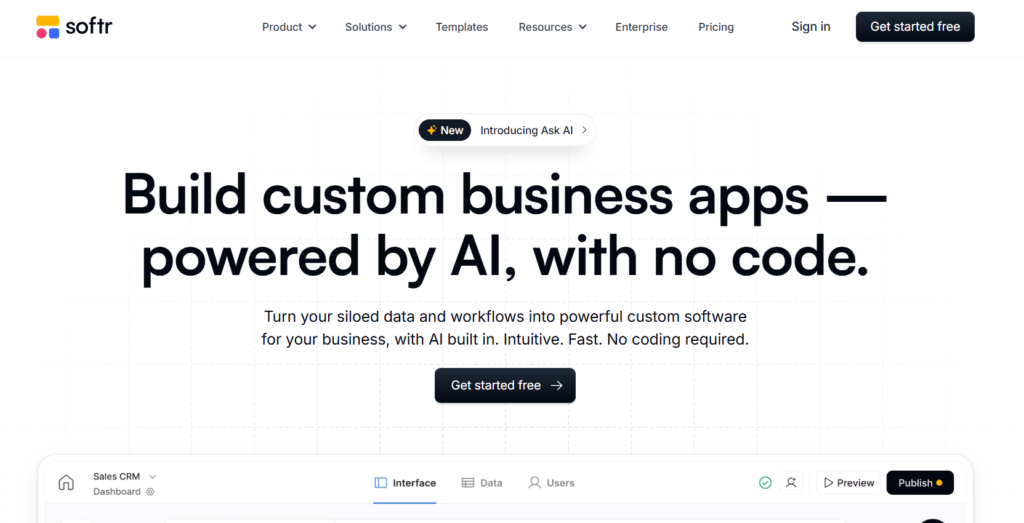
Features of Sofre
- Template use + drag and drop, AI data manipulation support, etc.
- It's easy to create a similar matching system for a membership site/dashboard. Authentication and user management are also supported.
- If you need to add two-way action and messaging functionality to matching, it is often necessary to integrate with plugins/external services.
Flow of Sofre release
- Connect Airtable or Google Sheets
- Template or blank
- Add blocks and edit the design
- "Publish" → Publish on your own domain or subdomain
Bubble
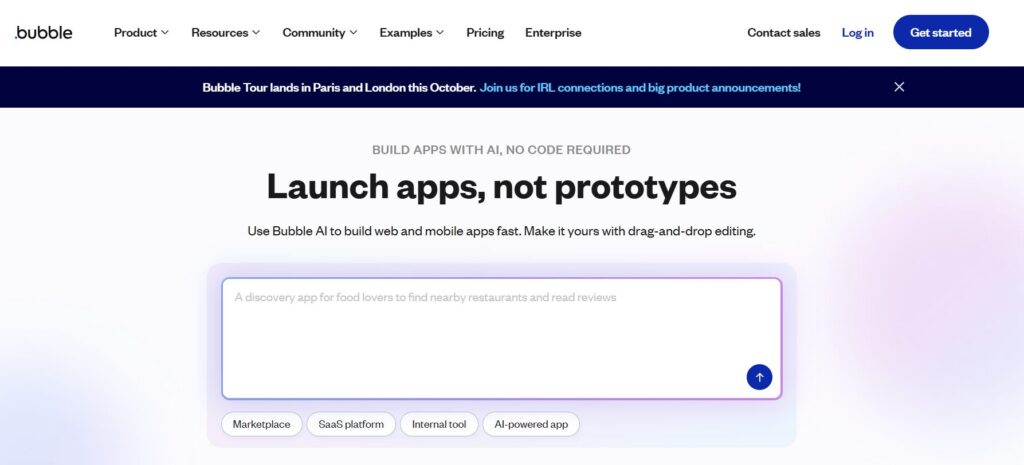
Features of Bubble
- It's a no-code system, but it's not a system where everything is created using only prompts, so there is a high degree of freedom in design. Custom logic can be implemented.
- It is relatively flexible to include features such as matching algorithms, chat functions, push notifications, and billing functions. It can also accommodate medium to large scale deployments.
- The initial setup is more time-consuming than other tools. UI design is not as fast as other "chat generation" tools. Costs may also be higher.
Flow to publish Bubble
- Enter specifications into the AI assistant (optional)
- Create a page and build a workflow and database.
- Check in test mode
- "Deploy to live" → Publication complete
 English
  日本語
日本語