How to create a website using WordPress/How to use plugins/No-code construction blog



Explaining the basic settings of the WordPress booking system plugin Amelia (9.x and later)
At HanamiWEB Online School,
●Ask questions in real-time in the virtual study room!
●Ask as many questions as you want via chat!
●E-learning materials that you can learn as much as you want, 24 hours a day!
All included for just 2,500 yen/month!
This article explains how to use Amelia, a WordPress plugin that allows you to create a homepage with a reservation system.
In the major update in December 2025, the UI of the admin screen changed significantly in versions 9.x and later. We will explain the new version!
This time, we will explain the basic settings of Amelia.
Amelia basic settings
First, let's explain how to set up Amelia.
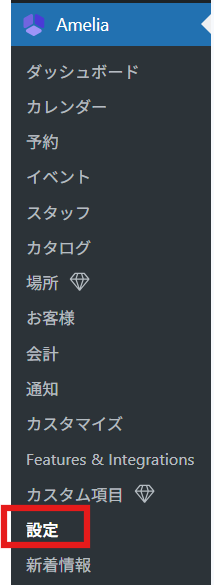
After activating the plugin, Amelia-related settings will be added to the left sidebar.
From there, open [Settings].
Amelia Basic Settings
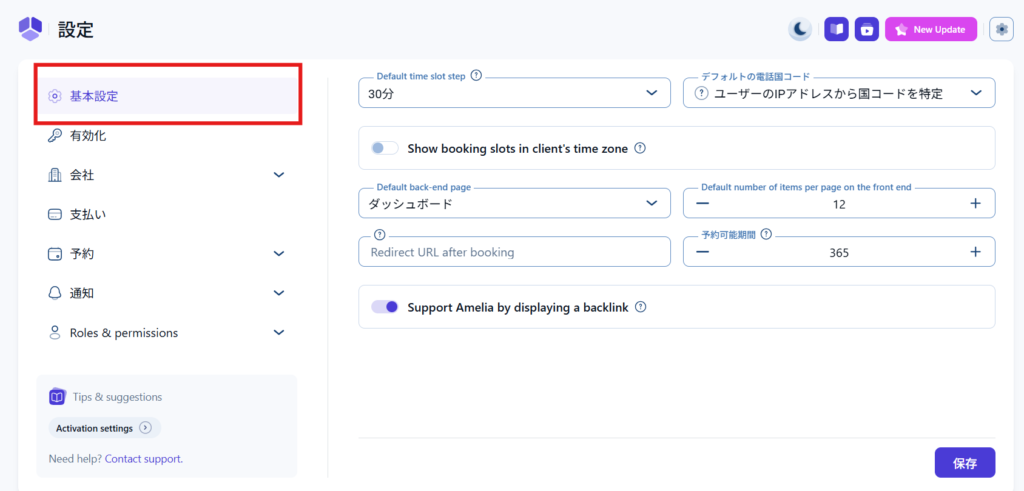
First, go to Amelia > Settings > Basic Settings
Default time slot step
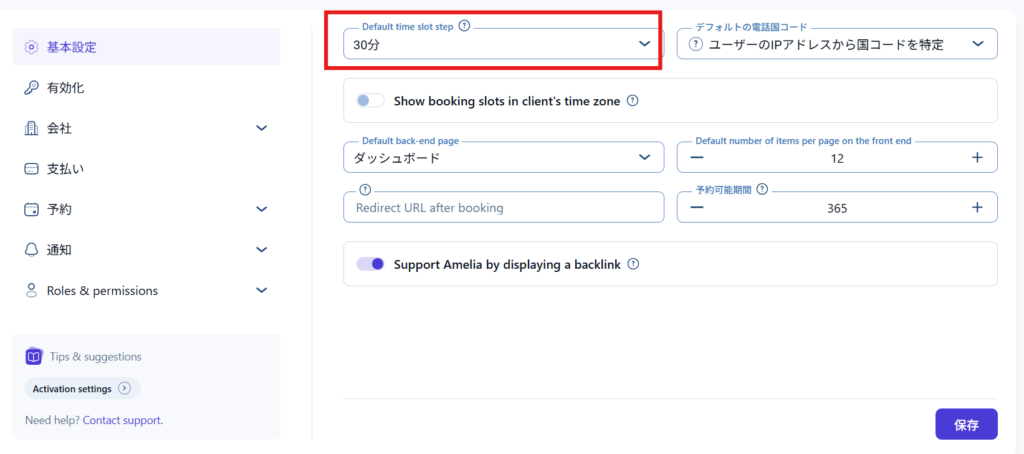
This sets the time to be displayed on the reservation calendar.
For example, if you set it to 15 minutes, you will be able to make reservations in 15-minute increments, such as 9:00~ / 9:15~ / 9:30~ etc.
If you set it to one hour, it will be 9:00~ / 10:00~ / 11:00~.

Default Phone Country Code
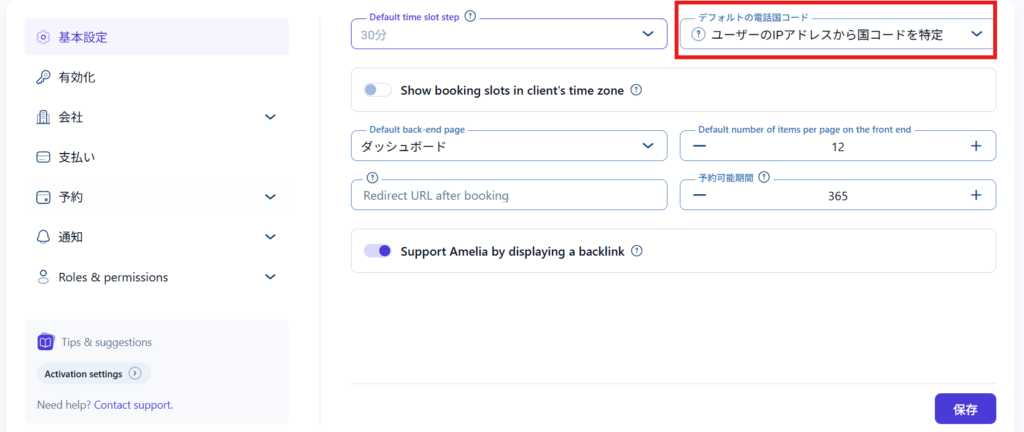
Set the country to be set as the default for the phone number input field. I think it's fine to leave it as the default setting, which identifies the user's country from their IP address.
Show booking slots in client's time zone
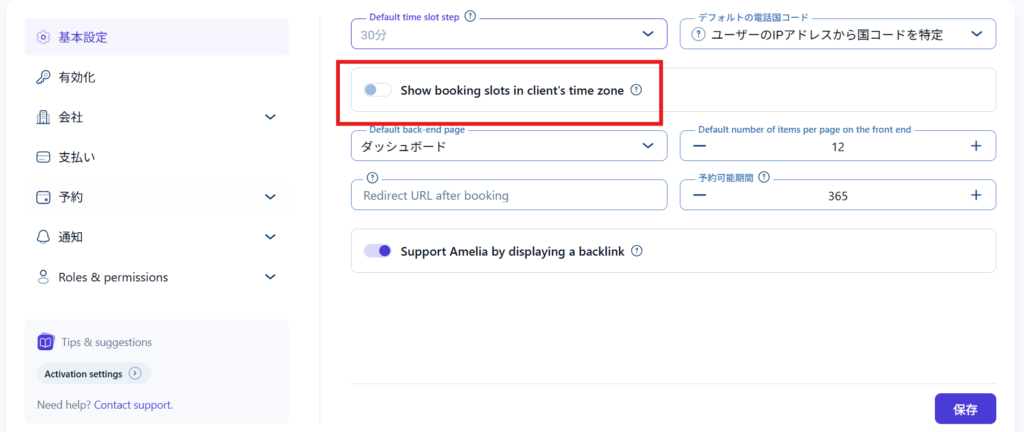
This setting changes the display of reservation times to match the customer's time zone.
If you turn it on, the reservation time set in Japan time will be converted to the time in the country of the person accessing the site.
Default backend page
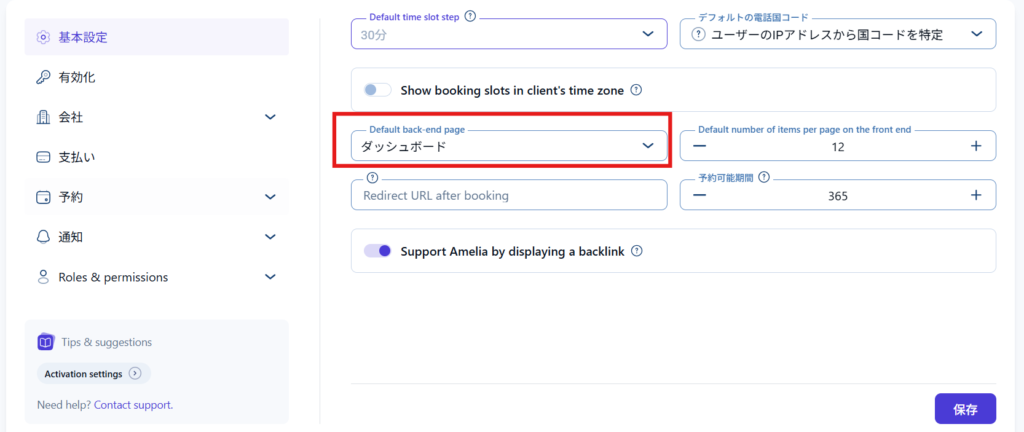
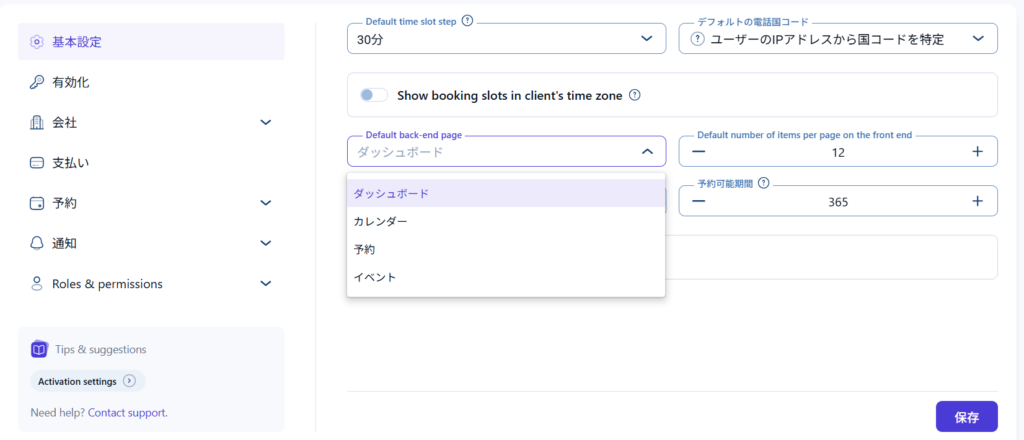
- Dashboard
- calendar
- reservation
- event
Default number of items per page on the front end
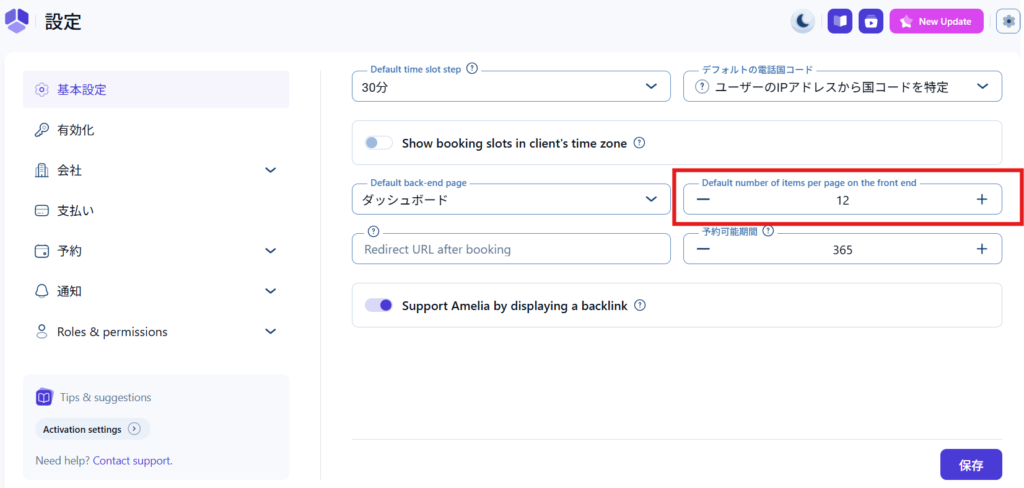
This is the number of reservations that will be displayed on one screen when a customer makes a reservation.
Redirect URL after booking
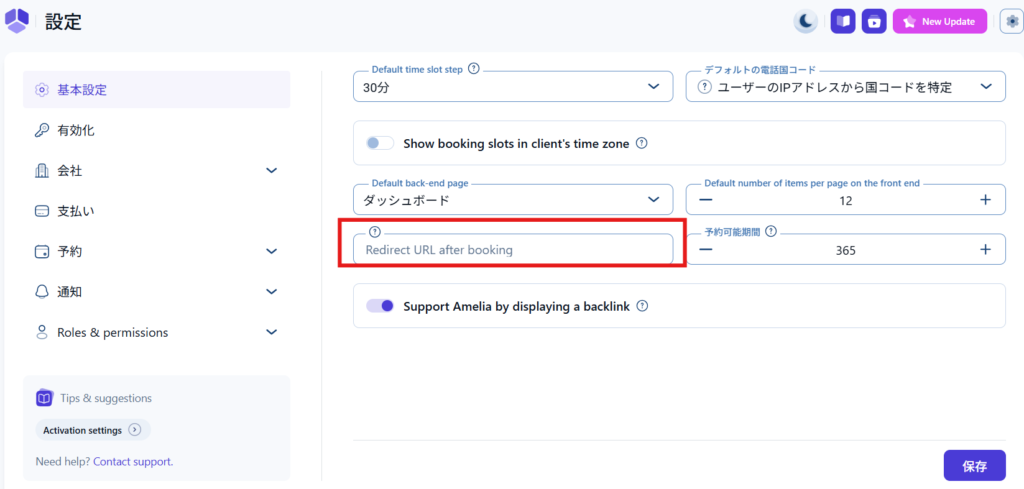
You can specify the page you want to redirect to once the booking is complete.
Reservation period

Set how many days in advance you want to accept reservations.
You cannot set the number of months, so you must set it in days. If you do not want to set a deadline, the default of 365 is fine.
Support Amelia by displaying a backlink
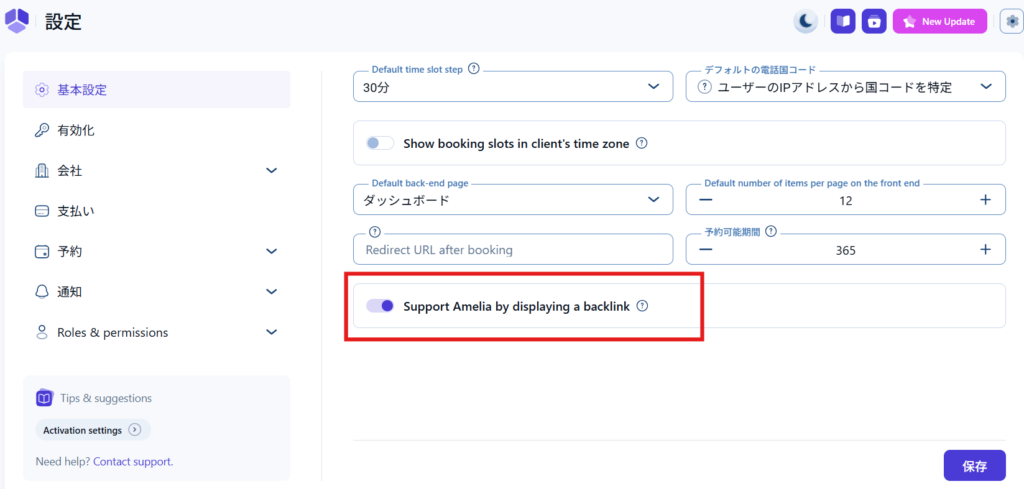
This setting determines whether to display a credit with a link to Amelia, stating that you are using Amelia. I think it's fine to leave it OFF.
Features available in the paid version
Here are some additional features that are added when you upgrade to the paid version.
There are multiple license types for the paid version, and the additional features vary depending on the license type.
For more information, please refer to this article!
→How to install the free version of the WordPress booking system plugin Amelia
Reservation deadline setting
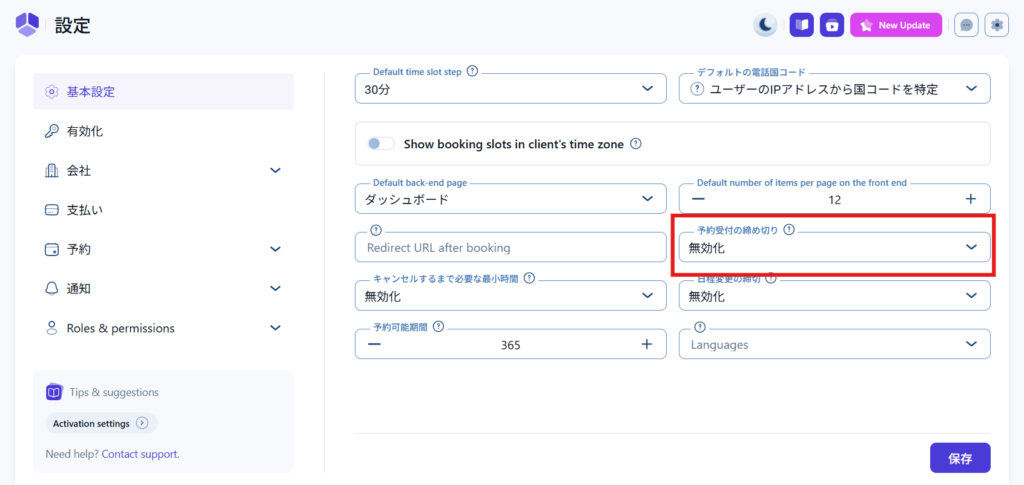
You can set whether reservations should be closed minutes, hours, days, weeks, or months in advance.
Cancellation deadline setting
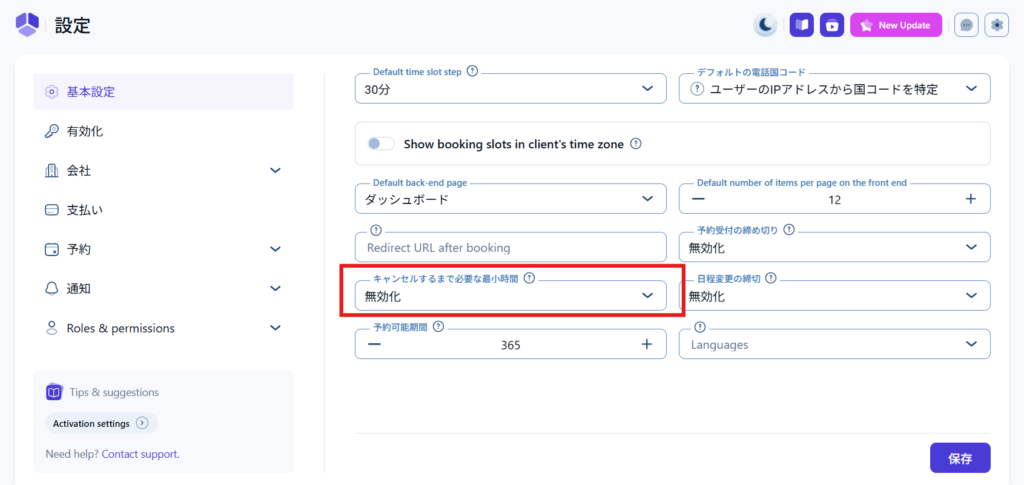
You can set a cancellation deadline.
Set deadline for schedule changes
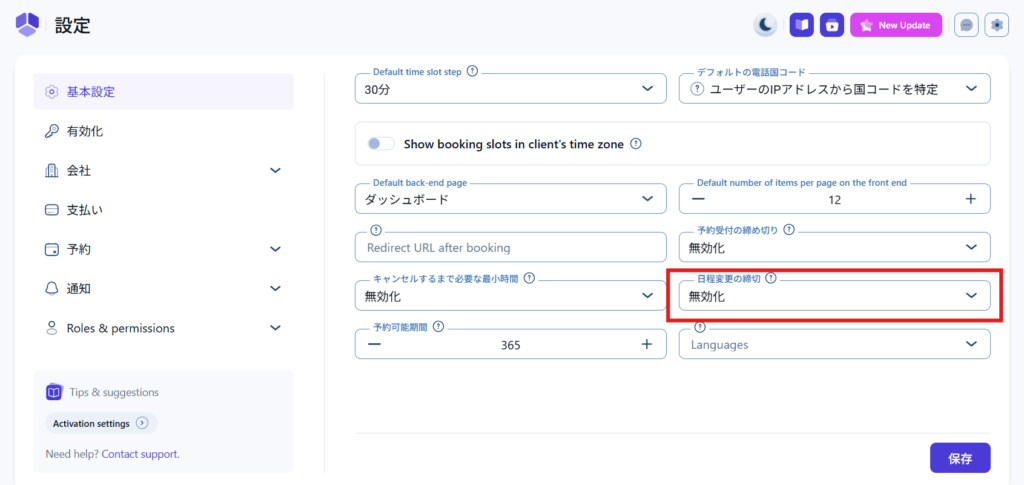
You can set a deadline for rescheduling.
multilingual
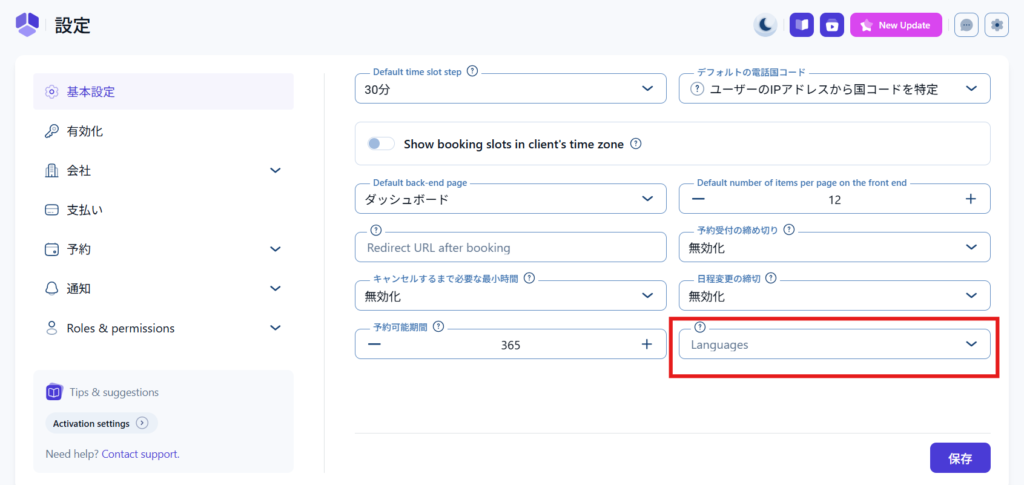
It is possible to support multiple languages.

We are available on weekends and holidays!
Please contact us if you have any problems with your website!

- Unable to log in to WordPress
Malware infection?
- The homepage suddenly stopped displaying!
- A PHP error is occurring.
We also offer support on weekends and holidays for those who need assistance.
If you are in a hurry, please call us now at 03-6694-7024.
Latest Articles


Timing and Process for Renewing Your Recruitment Website | Key Points to Review to Increase the Number of Applications

7 Key Points for Creating a Recruitment Website | How to Create a Recruitment Site That Job Seekers Will Choose
What is the average cost of a recruitment website? A thorough explanation of pricing by production method.
 English
  日本語
日本語