How to create a website using WordPress/How to use plugins/No-code construction blog



How to create a matching homepage using WordPress! How to set up the private message function with the plugin [HivePress]
At HanamiWEB Online School,
●Ask questions in real-time in the virtual study room!
●Ask as many questions as you want via chat!
●E-learning materials that you can learn as much as you want, 24 hours a day!
All included for just 2,500 yen/month!
This article explains how to use the private messaging feature between users on HivePress, a free site-building service.
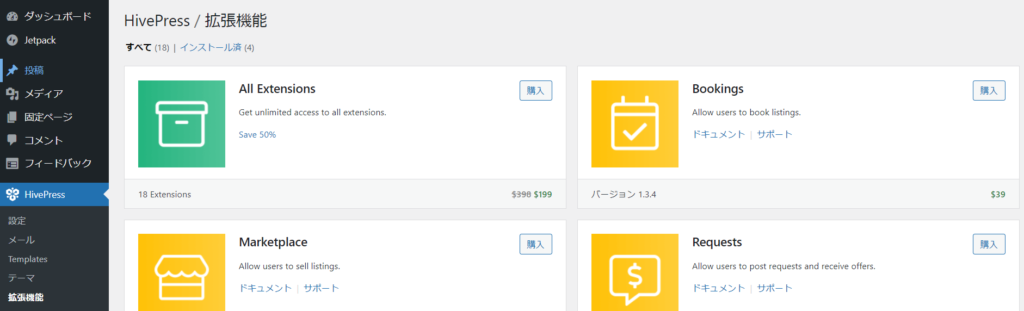
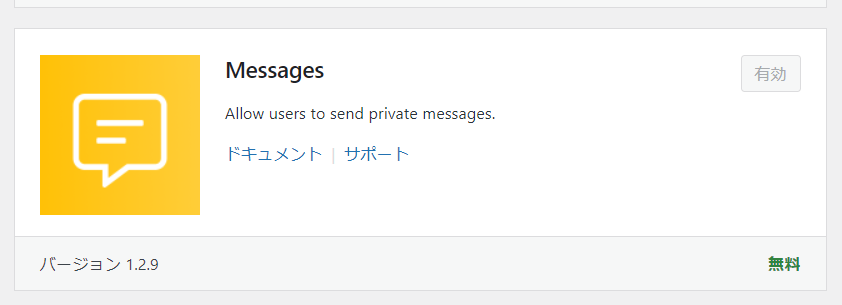
Activate the free Messages extension
- HivePress
- Extensions
- Install Messages now
- activation
To do.
Added Messages settings
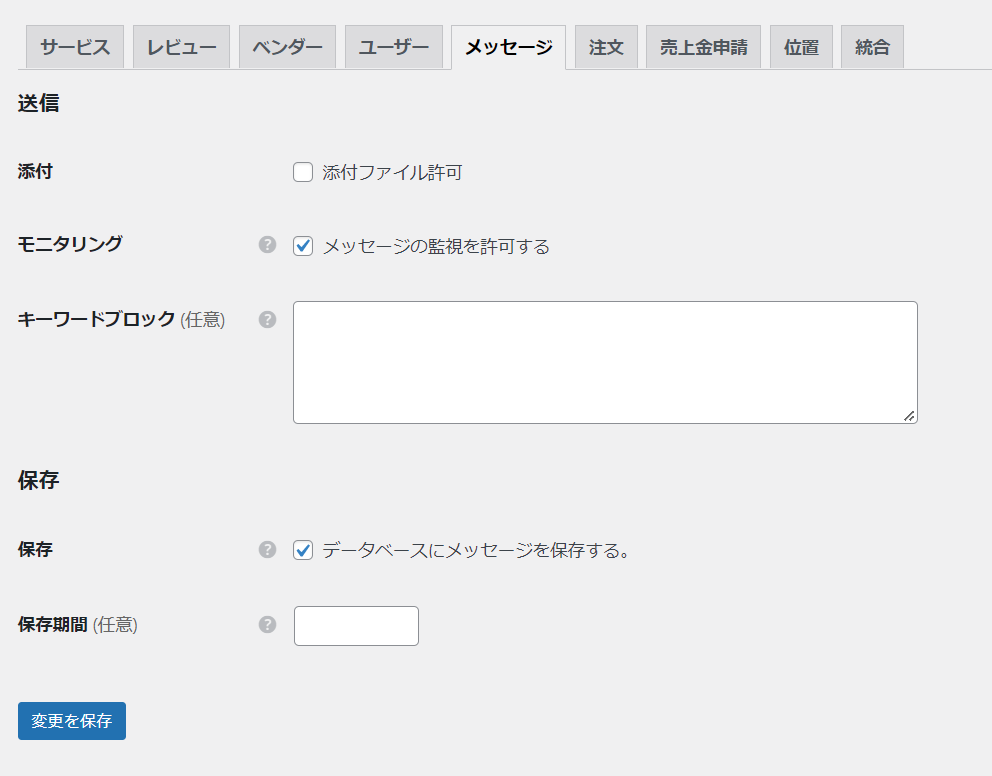
Messages has settings.
- HivePress
- setting
- Messages
You can see that the item has been added.
Messages feature settings
- Attachments - Check this box if you want to enable attachments in the message function. If you enable it, you can specify the attachment formats you want to allow.
- Monitoring - Monitor messages
- Blocked Keywords - Enter the specific keywords you want to block
- Save - Check to save the message in the database
- Storage period (optional) - If you store data for a long period of time, the amount of data will become too large, so you can set a storage period.
User's Message screen
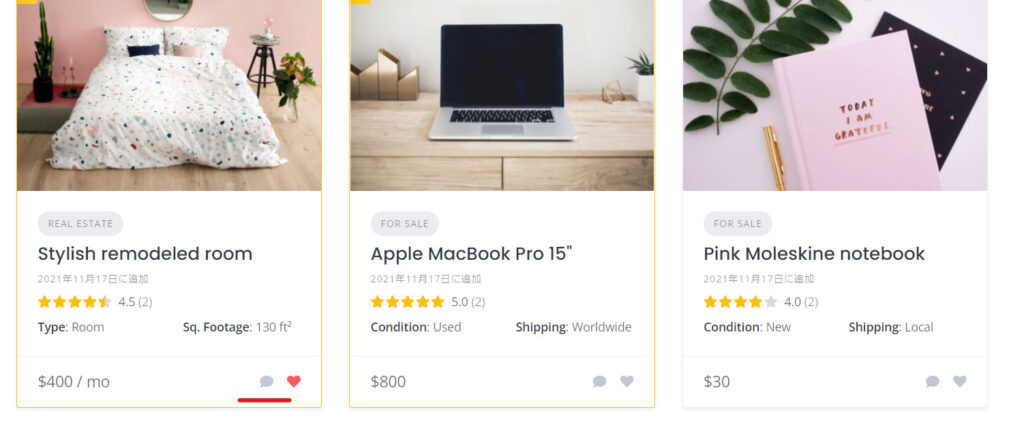
A message icon will be added to the service listing page.
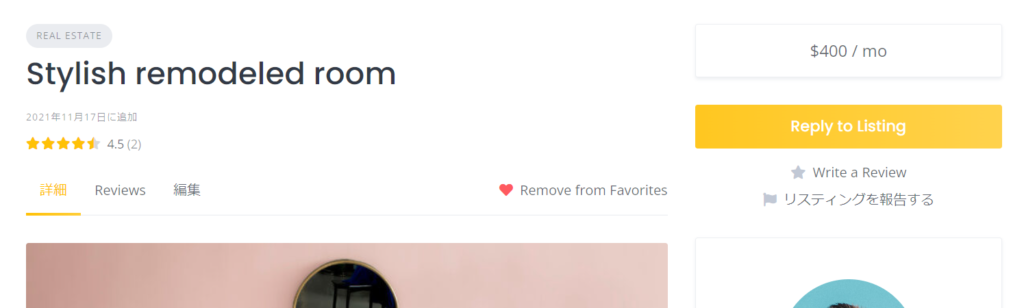
You will also be able to use the private chat feature when purchasing the service and afterwards.
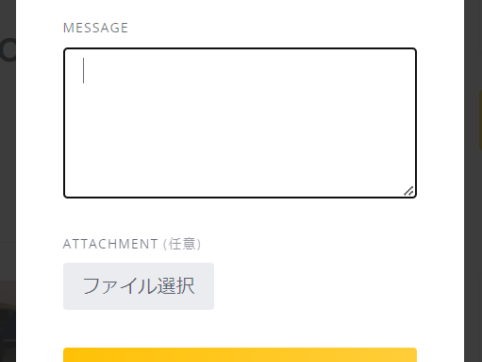
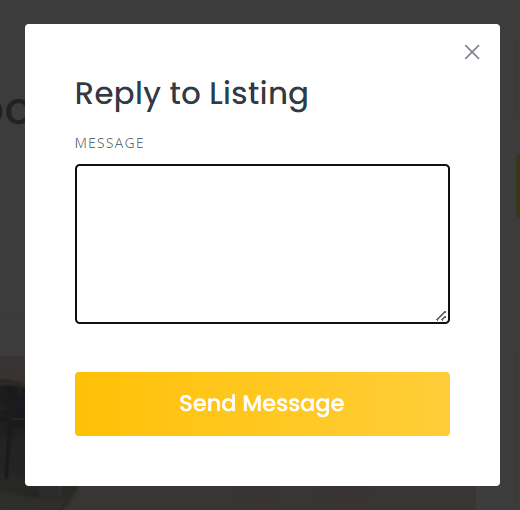
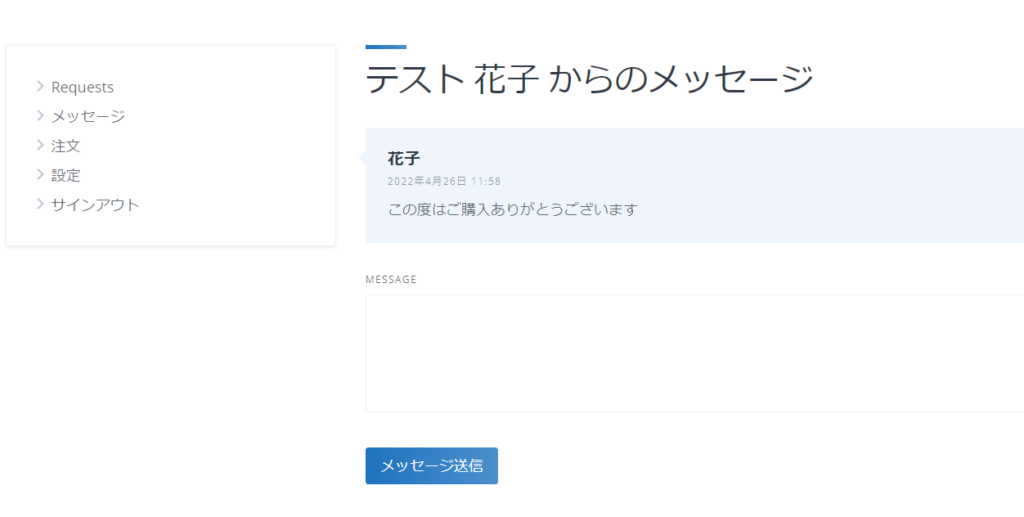
The message sending screen is simple.
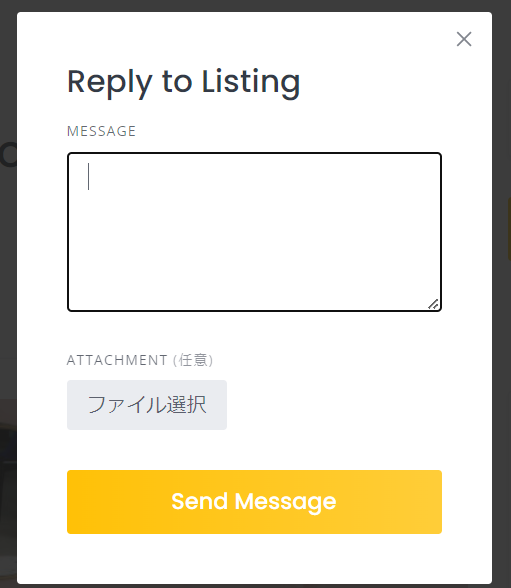
If attachments are allowed
Added Messages section to user's My Page
This is a capture of a site where translation is being carried out using the translation plugin.
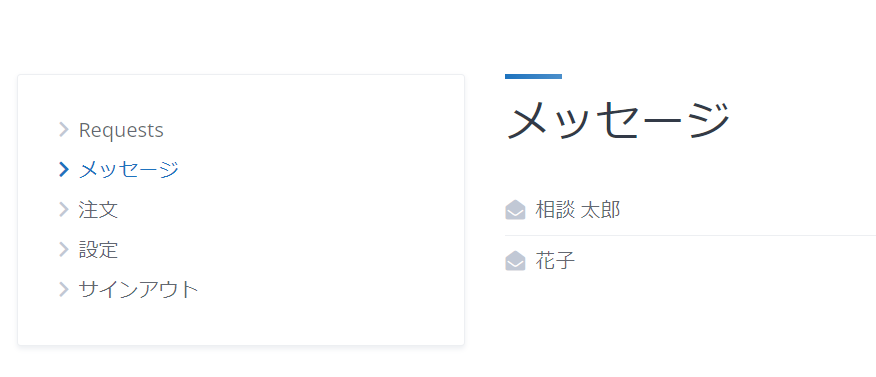
You can continue to exchange messages in this manner on your My Page.
Mail Settings
If you leave it like this, you won't notice new messages, so you will need to set up email.
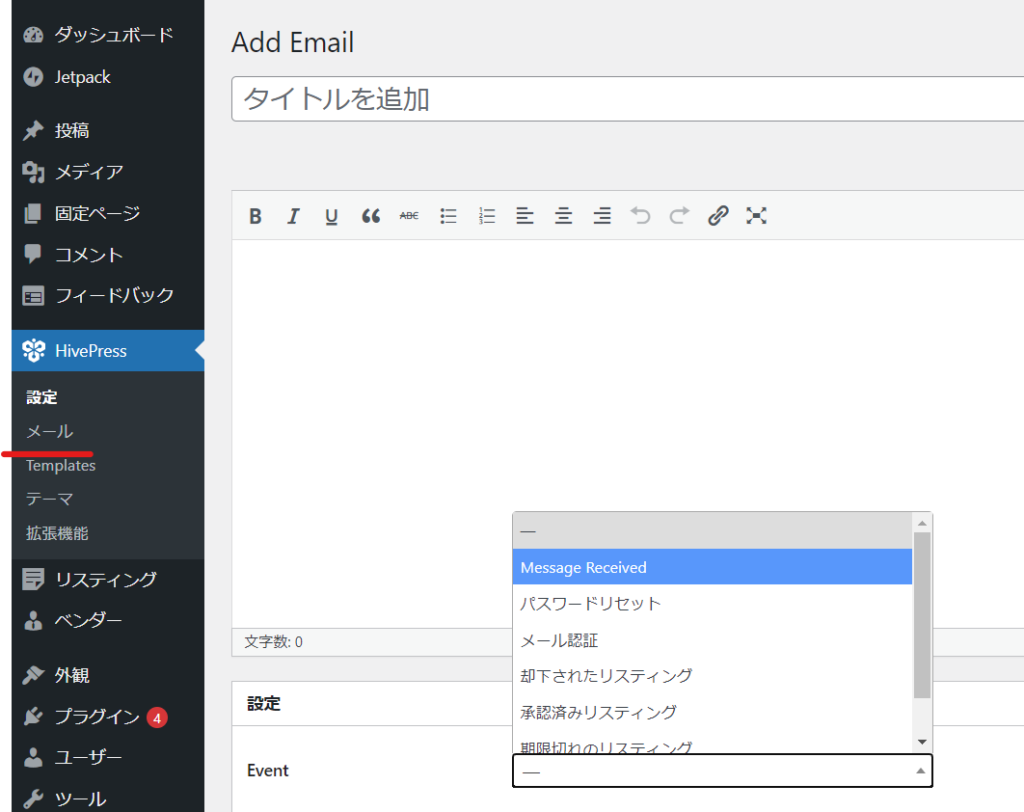
- HivePress
- Add Email
- Message Received
- Release
Create an email for receiving messages.
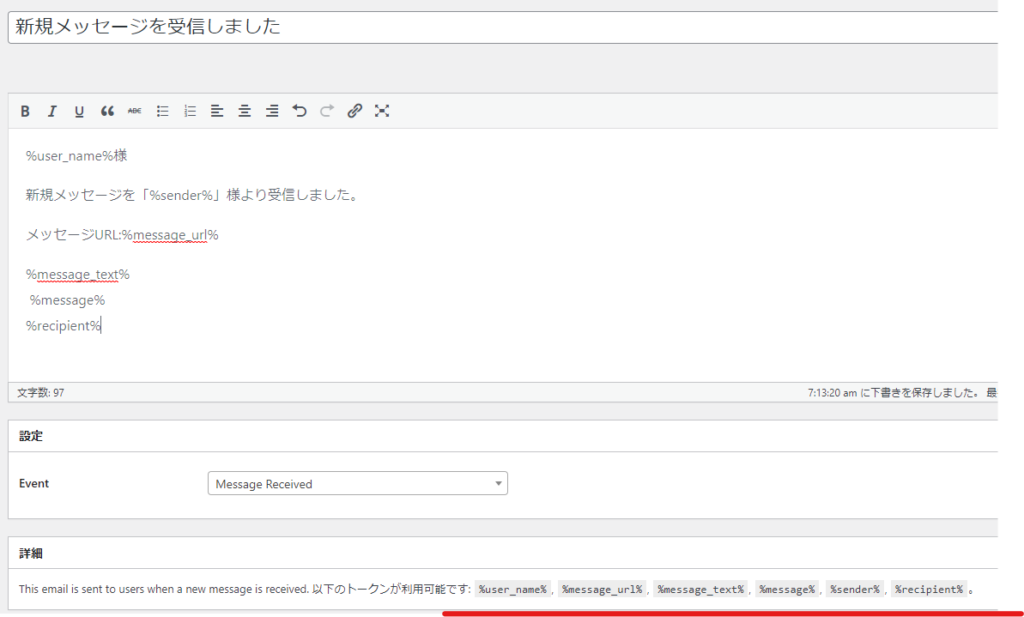
Once you click the Publish button, a list of available email placeholders will be displayed, and you can use them to create your email text. Here is a sample.

We are available on weekends and holidays!
Please contact us if you have any problems with your website!

- Unable to log in to WordPress
Malware infection?
- The homepage suddenly stopped displaying!
- A PHP error is occurring.
We also offer support on weekends and holidays for those who need assistance.
If you are in a hurry, please call us now at 03-6694-7024.
Latest Articles


Timing and Process for Renewing Your Recruitment Website | Key Points to Review to Increase the Number of Applications

7 Key Points for Creating a Recruitment Website | How to Create a Recruitment Site That Job Seekers Will Choose
What is the average cost of a recruitment website? A thorough explanation of pricing by production method.
 English
  日本語
日本語